Introduction
Online bookings only save time when the follow-up is just as clear as the front-end form. If requests arrive from your website, email, direct messages, and phone calls, the real bottleneck is rarely the booking button itself. The bottleneck is what happens after the lead arrives. A user dashboard fixes that by giving you one place to review requests, confirm slots, track status, and keep daily operations visible.

*Photo by prashant hiremath on Unsplash*
At Guiz3D, the point is not to add a complicated admin layer. The point is to build a booking flow that supports acquisition and operations at the same time. A fast website can generate demand in a few days, but it only becomes useful when the team behind it can sort, answer, and act on each booking without bouncing between tools.
What the dashboard must actually show
Before you integrate anything, define what the dashboard needs to make obvious at a glance. In a Guiz3D-style booking project, the high-value information usually includes:
- new requests waiting for a decision
- upcoming bookings that need confirmation
- cancelled or rescheduled slots that affect planning
- customer details needed to prepare the service
- payment or deposit status when that matters
- reminders, follow-up tasks, and priority flags
That is the useful core. If the dashboard still forces you to open several inboxes or spreadsheets just to understand the day, the setup is not finished yet.
A concrete Guiz3D scenario for Strasbourg
Picture a Strasbourg-based craft business that takes on-site appointments and a few urgent requests every week. The marketing site has one job: capture demand clearly and move visitors toward the next useful step. The dashboard has a different job: help the business process each booking without losing context.
In that setup, the flow looks like this:
- the visitor picks a service or asks for a callback from the website
- the request enters a lightweight dashboard instead of disappearing into email threads
- the business sees the preferred slot, service type, location, and urgency in one view
- confirmation and follow-up messages are sent from a clean operational workflow
That is a project-specific example because it mirrors Guiz3D's actual positioning: a practical web foundation, built quickly, with a real path from lead capture to day-to-day execution.
A clean way to integrate the dashboard
1. Map the decision path first
Start with the smallest path that must work. What does the visitor submit? Who validates the request? Which statuses matter after the booking is received? This is where many projects go wrong: they pick an implementation approach before they have defined the operational decisions the dashboard must support.
2. Choose the right integration depth
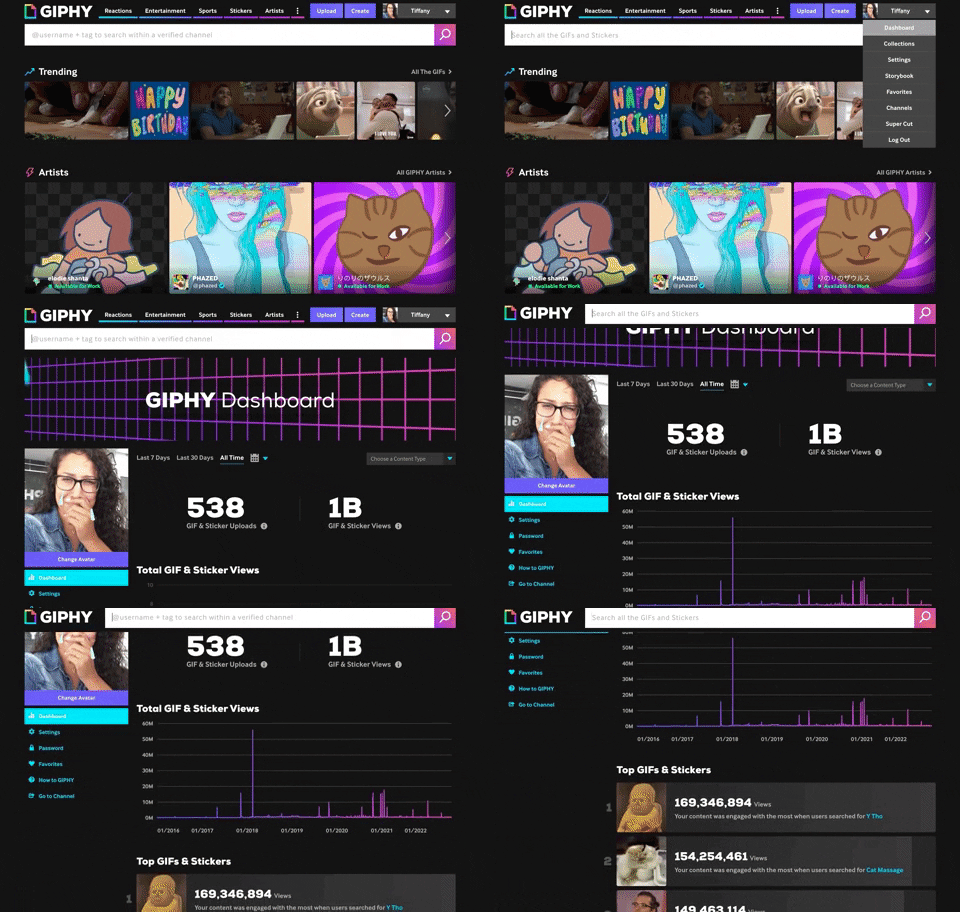
Not every project needs a fully custom interface on day one. Sometimes a light admin layer is enough. Sometimes the booking logic needs a stronger custom flow because the business has roles, approvals, or specific service rules. The right choice depends on clarity for the user, maintenance cost, and how much the booking flow is likely to evolve.
3. Build views around action, not around data volume
The dashboard should show the views that trigger action: requests to confirm, jobs to prepare, bookings to reschedule, and follow-ups to send. For a local service business, location, service category, and urgency are often more useful than an overloaded profile screen.
4. Test with real booking cases
Before launch, run through a few realistic situations: one standard booking, one cancellation, one reschedule, and one incomplete request. If the team can immediately understand what to do next, the dashboard is doing its job. If not, simplify the states before adding new fields.
Mistakes that slow the workflow down
A few mistakes appear again and again:
- treating the booking form and the dashboard as separate projects
- showing every possible field on the first screen
- failing to define priorities between urgent jobs and ordinary requests
- building a booking layer that captures leads but does not help the team process them
The most expensive mistake is losing the link between acquisition and operations. At Guiz3D, the site, the booking step, the internal dashboard, and the CTA should all support the same promise: a practical web system that helps a small team move faster without losing clarity.
Conclusion
A user dashboard is not just a place to look at bookings. It is the operational layer that turns website demand into a manageable workflow. If you want a booking site that does more than collect leads, start by defining the real decisions your team makes every day, then build the dashboard around those decisions. That is how the website keeps supporting the business after the first click.
For small businesses, that usually means resisting feature creep at the beginning. A simpler dashboard that the team actually uses every day is far more valuable than a larger interface nobody trusts after launch.